
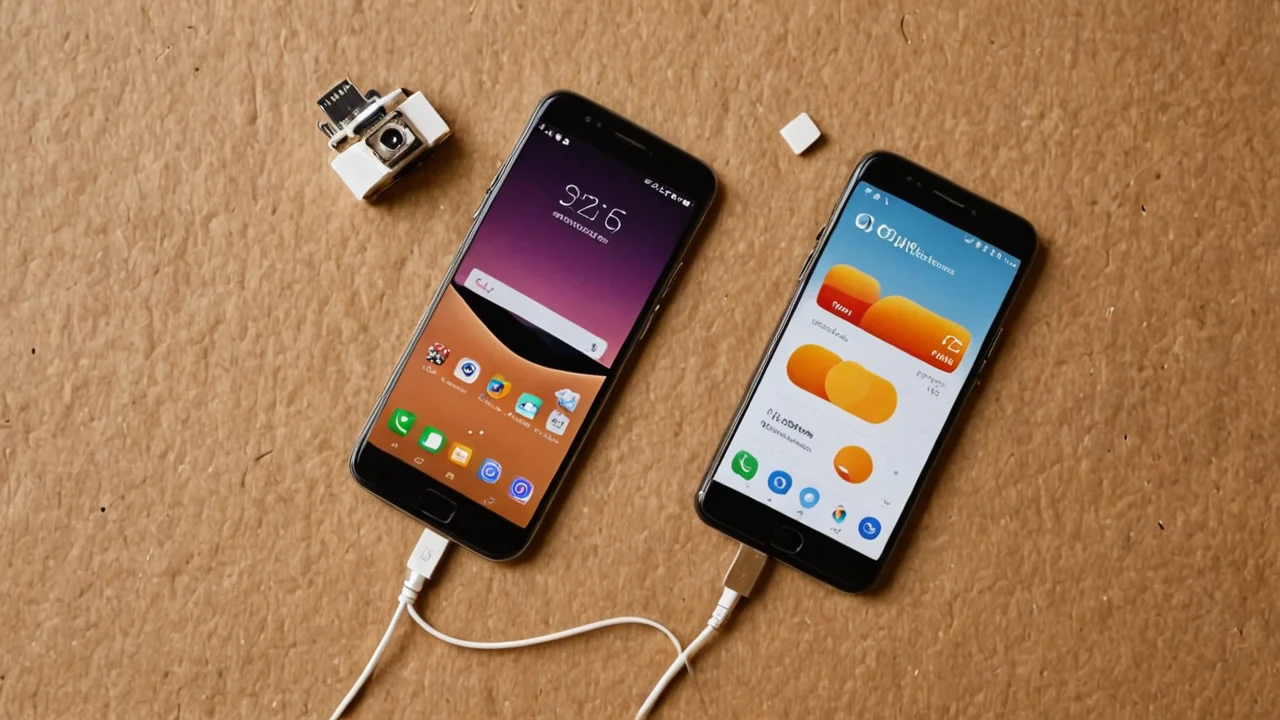
An eSIM is a device whose SIM is not a piece of plastic you can move between phones — it is an embedded chip, an eUICC, that holds operator profiles you download over the air and switch between in software. Everything else about the feature follows from that one change: how you activate a line, what happens when you change phones, why international travel suddenly got easier, and why some carriers still make you walk into a store.
What Remote SIM Provisioning actually does, and where the profile lives
Remote SIM Provisioning is the GSMA-defined process for downloading, installing, enabling, disabling and deleting a subscription profile on an eSIM over the air. The chip that stores those profiles is the eUICC — an Embedded Universal Integrated Circuit Card — an architecture defined by GSMA that lets a single embedded SIM securely store and manage multiple mobile network operator profiles. For consumer devices, the governing document is GSMA SGP.22, the Remote SIM Provisioning architecture for consumer devices. The consumer specification sits at version v2.6.1 as of 2025-04-25.
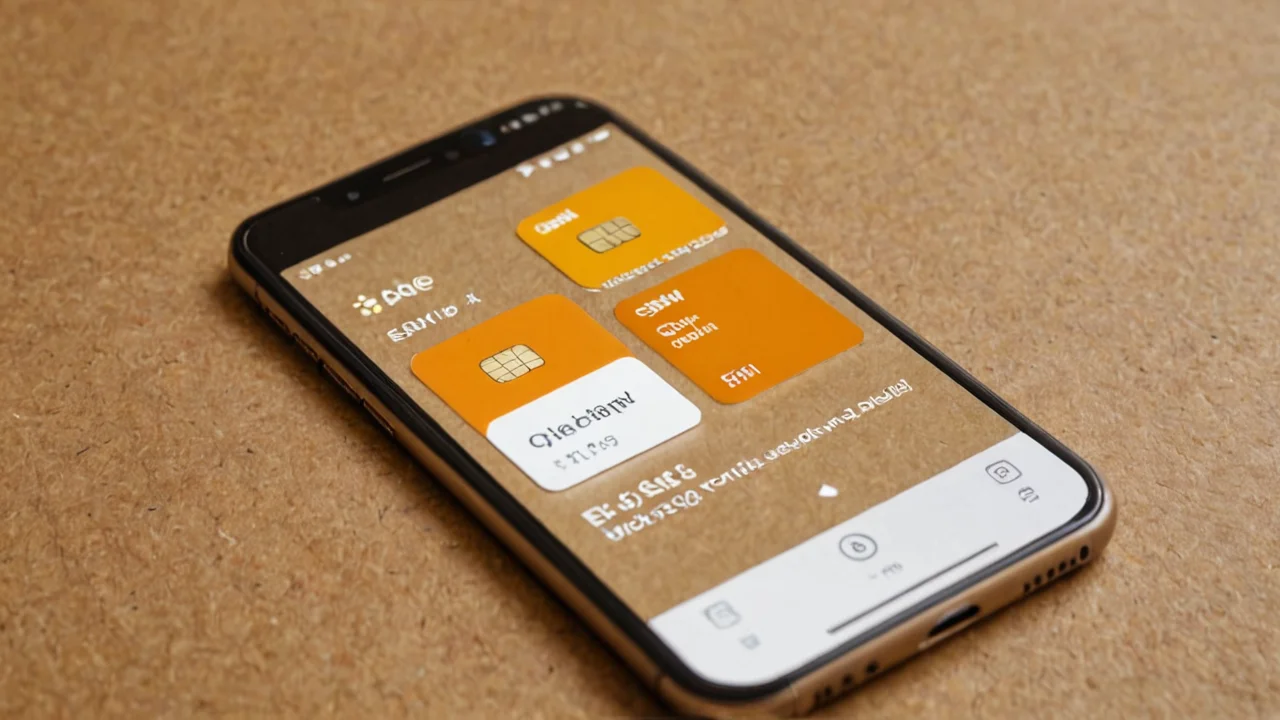
The practical consequence: a profile is a file, not a physical object. When you buy a plan, the carrier's server authenticates against the chip and pushes a profile down. Your phone then shows it in a list next to any others. You can hold more than one — an eSIM can store multiple operator profiles — and you choose which is active for calls, which for data, and which is simply dormant. On a modern handset this is a settings screen with a list, toggles, and a label field where you type something like "home" or "Japan data" so you can tell them apart six months later.
This is where the first real decision appears. A dormant profile is not a cancelled plan. If it is a prepaid travel profile, it may expire on its own; if it is a postpaid line, it keeps billing whether or not it is enabled. Deleting a profile from the chip is a genuine delete — the carrier can usually reissue it, but the local copy is gone, along with any stored messages tied to it. People learn this the hard way after wiping a profile to "clean up" and then discovering the carrier's app wants a fresh activation code and possibly a support call. Disable rather than delete when you are unsure.
The limits are worth naming. SGP.22 covers consumer devices; the M2M world runs on SGP.02 and the IoT world on SGP.32, and those are not interchangeable with what your phone does. A profile built for one class of device does not simply move to another. And the chip itself is soldered in — if the eUICC fails, the phone's cellular identity fails with it, which is a repair, not a SIM swap.
Setting up a line: QR codes, carrier apps, and the transfer problem
Most consumer eSIM activations happen one of three ways: scanning a QR code the carrier gives you, installing the carrier's app and letting it pull a profile, or — on newer handsets — transferring a line directly from an old phone during setup. The QR route is the most universal and the most fragile, because the code is usually single-use. Scan it once and the profile installs; scan it again and the server rejects it. Screenshot the code before you travel, keep it somewhere you can reach without the phone you are activating, and do not delete the email it came in.
The order of operations matters more than people expect. Install the profile while you still have a working internet connection — the download needs data, and if you are relying on the eSIM you are installing to provide that data, you have a loop. On a phone with a physical SIM slot, the usual sequence is: install the eSIM over Wi-Fi or the existing line, confirm it appears in the list, then decide which line carries data. On a phone with no physical slot at all, a factory reset or a lost device means you are activating over Wi-Fi on the new hardware and hoping the carrier supports self-service transfer.
That transfer step is the honest trade-off of eSIM. Moving a physical SIM between phones takes seconds and needs nobody's permission. Moving an eSIM depends on the carrier's provisioning flow: some let you do it in-app in a couple of minutes, some require a one-time code sent to a phone number you may no longer control, and some require a call. If you change handsets often, or you keep a spare phone for emergencies, this is the single strongest argument for keeping at least one physical line. The convenience of never hunting for a SIM tray is real; so is the friction of a carrier that has not built a good transfer path.
Watch for the labelling problem too. Once a profile is installed, the phone's own name for it is often a generic carrier string, and two profiles from the same carrier look identical in the list. Rename them the moment they install. It takes ten seconds and saves you from disabling the wrong line at an airport.
Running two lines at once, and what dual SIM actually costs you
An eSIM lets a phone run more than one line simultaneously — typically one physical SIM plus one eSIM, or two eSIMs on newer hardware — but "dual SIM" hides a set of choices. You assign a default line for calls, a default line for messages, and a default line for mobile data, and you can usually override per contact or per app. The configuration that trips people up is data: the phone will happily use the eSIM for data while the physical line stays the number everyone texts, and that is exactly what you want travelling, but it is not the default on every device.
The costs are concrete. Battery drain is higher with two lines active, because the radio is maintaining registration on two networks — noticeable on a long day, not catastrophic. Roaming charges are the bigger risk: if the wrong line is set as the data default when you land, you can burn through a day-one roaming fee before you notice. The fix is to set data to the travel eSIM before you board, and to switch off data roaming on the home line entirely rather than trusting yourself to remember.
There is also a coverage trade-off nobody advertises. Two lines means two networks, which sounds like redundancy, but only if both are actually registered. A dormant profile registers on nothing. If your backup line is disabled to save battery, you have no backup. Decide deliberately: either keep the second line live and accept the drain, or accept that it is a spare you activate when needed.
| Setup | Best for | Main cost |
|---|---|---|
| Physical SIM + eSIM | Keeping a familiar number while adding a data line | Occupies the card slot; transfer of the eSIM still depends on the carrier |
| Two eSIMs | Phones with no card slot; frequent switching | No physical fallback if the chip or software fails |
| Single eSIM, profiles swapped | Occasional travel, light users | Only one line live at a time; slower to switch |
Travel data is the feature that sold eSIM, and the one with the most traps
Buying a data profile for a country before you fly, installing it at home over Wi-Fi, and landing with connectivity already working is the clearest everyday win of eSIM — and it is also where most complaints originate. The traps are consistent. First, many travel profiles are data-only, so your usual number cannot receive the SMS verification code a bank or airline app will demand; keep the home line enabled for messages, or you will be locked out of your own accounts. Second, some profiles activate on install rather than on first network connection, which means the clock starts while the phone is still in your kitchen.
Third, the profile is tied to the region it was sold for. A "Europe" plan may cover a long list of countries and exclude the one you are transiting through, and the phone will not warn you — it will simply fail to register or register at roaming rates. Read the coverage list for the specific countries on your itinerary, not the marketing name of the plan.
The installation sequence that avoids most of this: buy and install before departure, leave the profile disabled until you are landside at the destination, then enable it and set it as the data line. Disable data roaming on your home line. Label the profile with the trip. When you get home, disable the travel profile so it stops trying to register, and delete it only once you are sure you will not need to top it up or chase a refund.
The trade-off is honest: a local physical SIM bought at the airport is often cheaper per gigabyte and gives you a local number, at the cost of queueing, paperwork, and losing your home number for the duration unless you juggle two devices. An eSIM travel plan costs a little more and buys you the ability to set it up in advance. For a short trip, that is usually the right trade. For a long stay, a local line is still the better deal.
Security, identity, and the things an eSIM does not protect you from
An eSIM is not inherently more secure than a plastic SIM, but it removes two attack surfaces: nobody can physically steal the card out of your phone, and nobody can swap a card into another device without going through the carrier's provisioning. That second point matters because SIM-swap fraud depends on convincing a carrier to move your number; a well-built eSIM transfer flow adds steps an attacker has to clear, though the weakest link remains the carrier's support desk, not the chip.
What an eSIM does not do: it does not encrypt anything, it does not stop someone from porting your number out through social engineering, and it does not survive a lost phone any better than a physical SIM — in some ways worse, because there is no card to pull and put in a drawer. Your screen lock, your account recovery methods, and your carrier's transfer policy are doing the real work. Set a carrier account PIN if yours offers one, and treat the eSIM transfer process as a security boundary rather than a convenience.
There is a repair angle too. With a physical SIM, a broken phone means moving the card to a spare and carrying on. With an eSIM, a broken phone means activating on new hardware through the carrier's flow, which may need a code sent to the number on the broken device. Keep a second contact method on your carrier account, and know before you need it whether your carrier supports transferring a line through its app or requires a call.
Where eSIM still falls short, and when to stick with plastic
Carrier support is uneven. The consumer standard, SGP.22, is mature — the consumer specification is at v2.6.1 as of 2025-04-25 — but maturity of the spec is not the same as maturity of every carrier's implementation. Some carriers still require a store visit for an eSIM activation, some charge for a replacement profile, and some have no self-service transfer at all. Before you commit a primary line to an eSIM, check three things on your carrier's site: whether you can activate without visiting a store, whether you can move the line to a new phone yourself, and what a replacement costs.
The device side has its own gaps. Budget and older handsets often omit eSIM entirely, and the feature is not retrofittable. Tablets and laptops vary widely in whether they support it. And the broader ecosystem is fragmented: the M2M specification, SGP.02, and the IoT specification, SGP.32, describe different architectures from the consumer one, so a profile provisioned for an industrial device is not something you can pull into a phone.
Stick with a physical SIM if you swap phones frequently, if you rely on a spare handset, if your carrier's eSIM flow is poor, or if you travel to places where a local prepaid card is still the cheapest and most reliable option. Go eSIM if you want a second line without giving up the card slot, if you travel often enough that pre-buying data is routine, or if your phone has no physical slot at all and you have no choice.
The decision that matters most is not the chip — it is the order in which you do things. Install before you travel, label every profile, disable rather than delete, keep one line that can receive SMS, and check the carrier's transfer policy before you need it. Get that sequence right and the eSIM disappears into the background, which is the highest compliment a piece of infrastructure can earn.