An eSIM is a chip soldered into a phone that holds a downloadable operator profile instead of a plastic card, and the whole system around it is defined by the GSMA's SGP.22 specification for consumer devices. That specification is at v2.6.1 as of 2025-04-25, and it governs how a profile gets from a carrier's server onto your phone, how it gets switched on and off, and how it gets deleted. Everything else on this page is a consequence of that one arrangement: there is no card to move between phones, the profile is tied to the device's embedded chip, and the carrier relationship becomes something you can create and destroy from a settings menu rather than something you buy in a shop.
What actually happens when you install an eSIM profile
The chip inside the phone is an eUICC — an Embedded Universal Integrated Circuit Card — and it is the piece of hardware that makes the whole thing work. It is a SIM, functionally, with the same job as the card you used to poke out of a credit-card-sized frame: authenticate you to a network and hold the credentials the operator needs. What changed is that the eUICC can hold more than one operator profile and can be rewritten over the air.
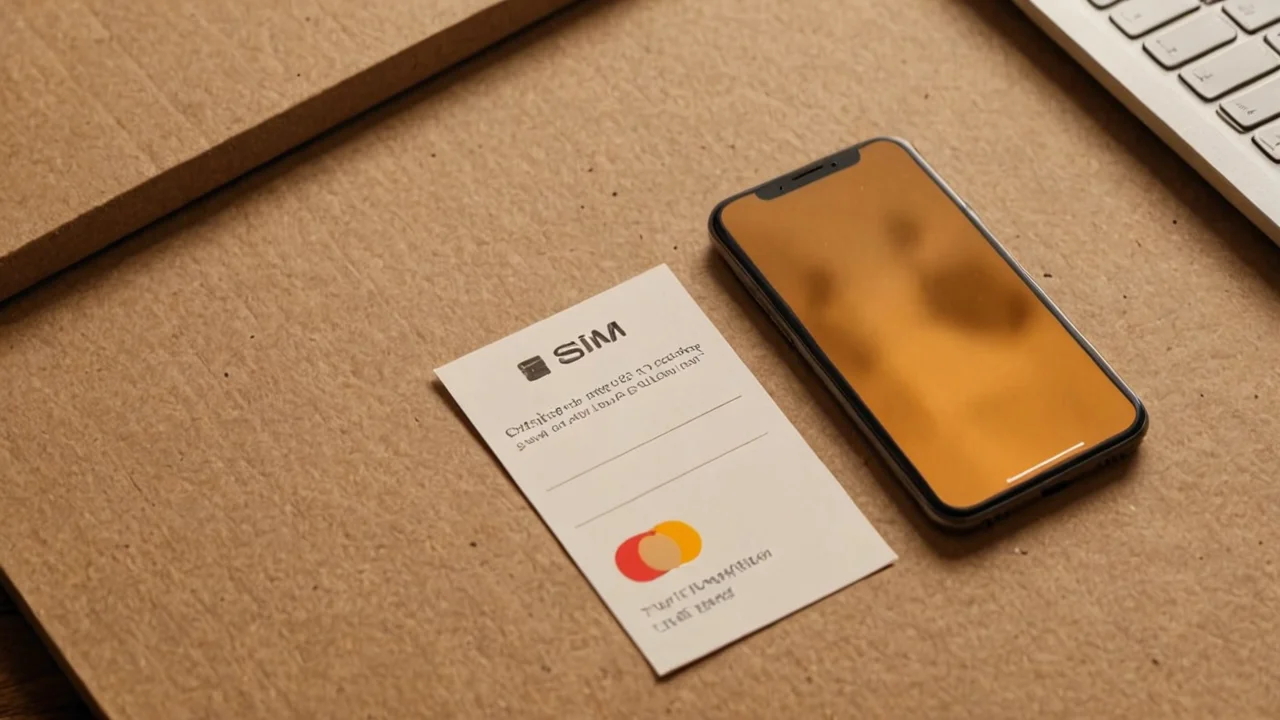
Remote SIM Provisioning, or RSP, is the GSMA-defined process for getting a profile onto that chip and managing it afterwards. The sequence runs roughly like this. Your carrier — or an eSIM reseller acting as one — issues a profile and gives you something to trigger the download: usually a QR code, sometimes an activation link in an app or an email, sometimes a manual pair of an SM-DP+ address and an activation code. You scan or tap, the phone's eSIM manager contacts the carrier's provisioning server, authenticates the request, pulls the profile down encrypted, and writes it into an empty slot on the eUICC. Then it enables it.
Two things about that sequence catch people out. The first is that the QR code is usually single-use and time-limited. Scan it once, and it is spent — if the install fails halfway through, you often need the carrier to reissue rather than rescan. The second is that the download needs a working internet connection, which sounds obvious until you are standing in an airport trying to install a travel eSIM on a phone whose only data connection is the SIM you are about to replace. Install before you fly, on Wi-Fi, while your home line is still active.
The mechanism itself is standardised, but the implementation is not uniform. Apple's flow, Samsung's flow and the flow on a mid-range Android phone all look different in the settings menu, and carriers vary in whether they hand you a QR code, push the profile through their own app, or require you to authenticate in a web portal first. The spec defines the plumbing; it does not define the user experience. That gap is where most first-time failures happen — not because the technology is fragile, but because the operator's instructions assume a menu layout your phone may not have.
Multiple profiles on one chip, and what "multiple" really buys you
An eSIM can store multiple operator profiles at once. That is the headline capability and it is the one that changes how you travel, how you handle a work line, and how you think about a second number. You are not swapping a card; you are choosing which stored profile is active.
The practical shape of this: you keep your home carrier's profile installed and enabled for calls and SMS, and you install a local data profile when you land, enable it for data only, and leave the home line alive for incoming texts — bank codes, two-factor messages, the things that would otherwise lock you out of your own accounts while abroad. Both profiles sit on the chip simultaneously. You are picking which one carries which traffic, not which one exists.
What it costs you is attention. Dual-SIM management on a phone is a settings surface most people never learn, and getting it wrong produces confusing symptoms: data leaking onto the expensive home line because the default data SIM reverted after a reboot, or calls failing because the active line for voice is the travel profile that has no voice allowance. The fix is unglamorous — go into the cellular settings after every install and explicitly set default voice line, default data line, and whether each line is allowed to use data while the other is active.
The limits are worth stating plainly. Stored profiles are not unlimited in any practical sense, and the number you can keep installed is a device and carrier decision rather than a spec number you can rely on across phones. Deleting a profile is not the same as disabling it — a deleted profile generally cannot be reinstalled from the same QR code, and getting it back means going through the carrier's activation process again, sometimes with a fee. Disable rather than delete unless you are certain you are done with that line.
The specification split: consumer, M2M and IoT are not the same system
The GSMA maintains three separate Remote SIM Provisioning specifications, and knowing which one applies to you explains a lot of otherwise baffling incompatibility. Consumer devices run on SGP.22. The machine-to-machine world — fleet trackers, payment terminals, industrial meters — runs on SGP.02. The newer IoT specification, SGP.32, dates from 2023-05-01.
| Specification | Applies to | What it means in practice |
|---|---|---|
| SGP.22 | Consumer devices — phones, tablets, watches, laptops with cellular | The QR-code and app-based install flow you use as an individual |
| SGP.02 | M2M deployments | Provisioning managed by the deployment operator, not the end user |
| SGP.32 | IoT devices | Provisioning designed for devices with no screen and no user |
The split matters because a profile built for one architecture will not simply work in another. If you are buying an eSIM for a phone, you are in SGP.22 territory and the seller's documentation should reflect that. If you are dealing with a piece of hardware that has no interface — a tracker, a sensor, a modem in a vehicle — you are in a different regime entirely, and the consumer QR-code workflow is not the mechanism. Most consumer confusion on this point comes from eSIM resellers who market to phone users but describe their product in IoT-adjacent language, or from enterprise buyers who assume a phone-compatible profile will drop into a fleet device.
The consumer specification is the one that has been revised most visibly, sitting at v2.6.1 as of 2025-04-25. Version numbers matter less to a buyer than to a device maker, but they explain why an older phone's eSIM menu may lack a feature — transfer between devices, for instance — that a newer handset offers. The capability is in the device's implementation of the spec, not in the profile.
Transferring an eSIM to a new phone is the hard part
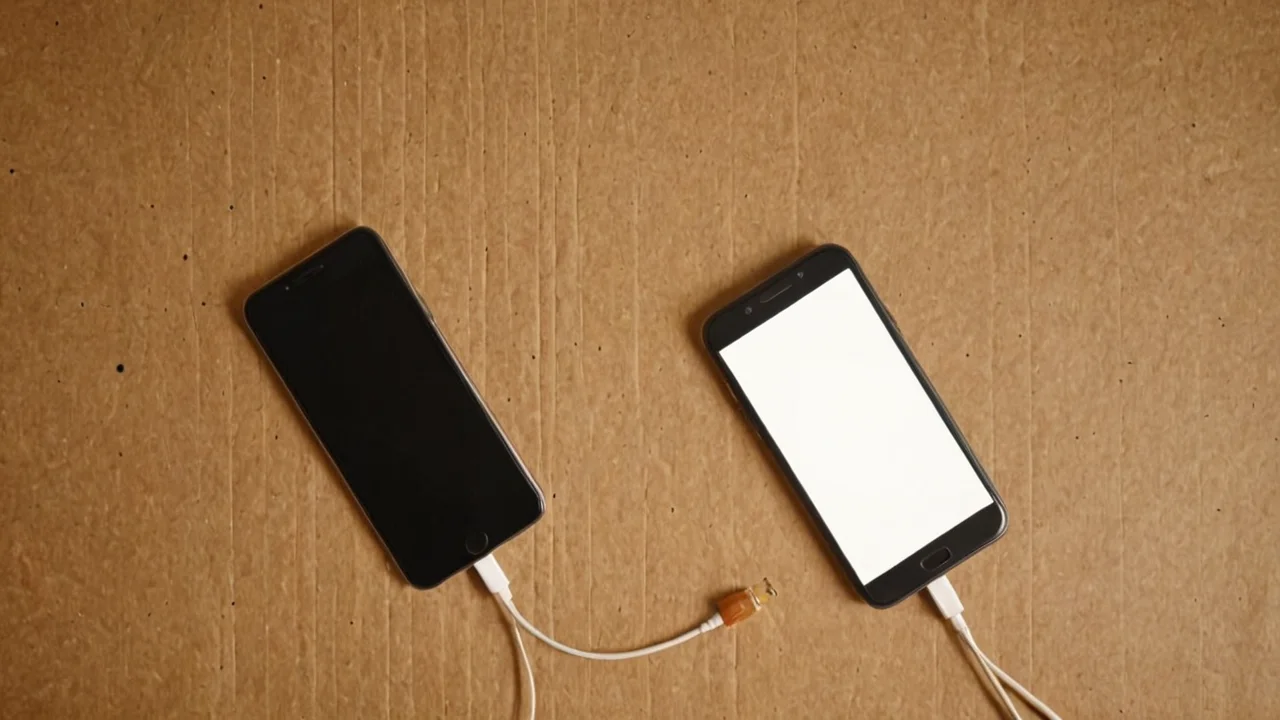
Moving an eSIM to a new phone is the single most common point of friction, and the honest answer is that it depends entirely on your carrier and your handset, not on any universal procedure. There is no equivalent of popping a card out and putting it in the next device. The profile is bound to the eUICC it was installed on, and getting it onto a different chip requires the carrier to release it and reissue it.
Some carriers support a self-service transfer inside the phone's settings, usually during the setup assistant on a new device, where the old phone confirms and the profile moves across. Others require you to contact support, verify your identity, and wait for a new QR code — which may arrive by email within minutes or may take longer, and which may carry a charge. Some prepaid eSIM products cannot be transferred at all and must be repurchased.
The practical consequence: before you buy any eSIM, find out what the carrier's transfer and reissue policy is, and factor it into the price. A cheap data eSIM that costs nothing to replace is a different proposition from a primary line you have run for years and cannot easily move. If your phone number is the thing that receives your banking codes and your work calls, treat the eSIM as a commitment rather than a convenience, and check the policy before you commit.
There is a workaround worth knowing: many people keep their primary line on a physical SIM precisely so it can be moved between devices without a carrier conversation, and use eSIM for the secondary, disposable, travel or data-only lines where transfer friction does not matter. That is a defensible arrangement and arguably the most robust one available today. The cost is that you give up a SIM slot, which on a dual-SIM phone means you are choosing between two physical lines and one physical plus one embedded.
Where eSIM is the wrong choice
eSIM is the wrong choice when you need to move a line between devices frequently and cheaply, when your carrier does not support it well, or when you are buying a device you intend to resell. Each of those is a real constraint rather than a hypothetical.
Frequent device swapping is the clearest case. If you rotate between a personal phone and a work phone, or you upgrade annually and hand devices down, the transfer friction compounds. A physical SIM moves in seconds and costs nothing; an eSIM move may require a support call each time. People who test phones for a living generally keep at least one physical line for exactly this reason.
Carrier support is the second. The specification is standard but the operator implementation is not, and smaller MVNOs and regional carriers are the ones most likely to have a clunky activation flow, a QR code that arrives by email after a delay, or no self-service transfer at all. Check before you switch, not after. If the carrier's own documentation is vague about eSIM, that vagueness is information.
Resale and device lifetime is the third. An eSIM-equipped phone with a profile installed needs that profile removed before sale, and the buyer needs to be able to install their own — which generally works fine, but adds a step and a support dependency to a transaction that used to be purely physical. For a device you will keep for years and then pass to a family member, factor in the handover.
What eSIM is genuinely good at: arriving in a country and having data before you reach the taxi rank, running a second number without a second handset, and adding a data line to a tablet or laptop that was never going to get a SIM tray. Those are the cases where the friction is paid once and the benefit recurs. Buy for those, and keep a physical line for the things that need to move.
What to check before you install anything
Four things determine whether an eSIM install goes smoothly, and all four are checkable in advance. Get them wrong and you will be on a support chat rather than a network.
- Carrier support for your exact device. Not the brand — the model. eSIM support varies within a manufacturer's lineup and sometimes within a model sold in different regions.
- Whether the phone is carrier-locked. A locked handset generally will not accept a profile from another operator. Check the lock status in settings before you buy a travel eSIM.
- The activation mechanism and its expiry. QR code, app push, or manual entry — and how long the code stays valid. Single-use codes that expire are the most common cause of a failed install.
- What happens on transfer and deletion. Reissue policy, any fee, and whether a deleted profile can be restored. Ask before, not after.
The install itself should be done on Wi-Fi, before you travel, with the phone unlocked and the eSIM menu open. If the profile is for data only, set it as the data line immediately after install and confirm the home line is still the default for voice and SMS. Then test it — toggle off Wi-Fi and load a page — while you still have a fallback connection and the patience to troubleshoot. Doing this at the departure gate, on a single bar of airport Wi-Fi, is how a five-minute setup becomes a missed flight notification.
The technology is mature enough that it should be boring, and on a modern handset with a cooperative carrier it is. The failures cluster in the seams: the operator's activation flow, the transfer policy, the dual-SIM defaults. None of those are the eUICC's fault, and none of them are solved by the specification. They are solved by knowing what you are buying before you scan the code.